

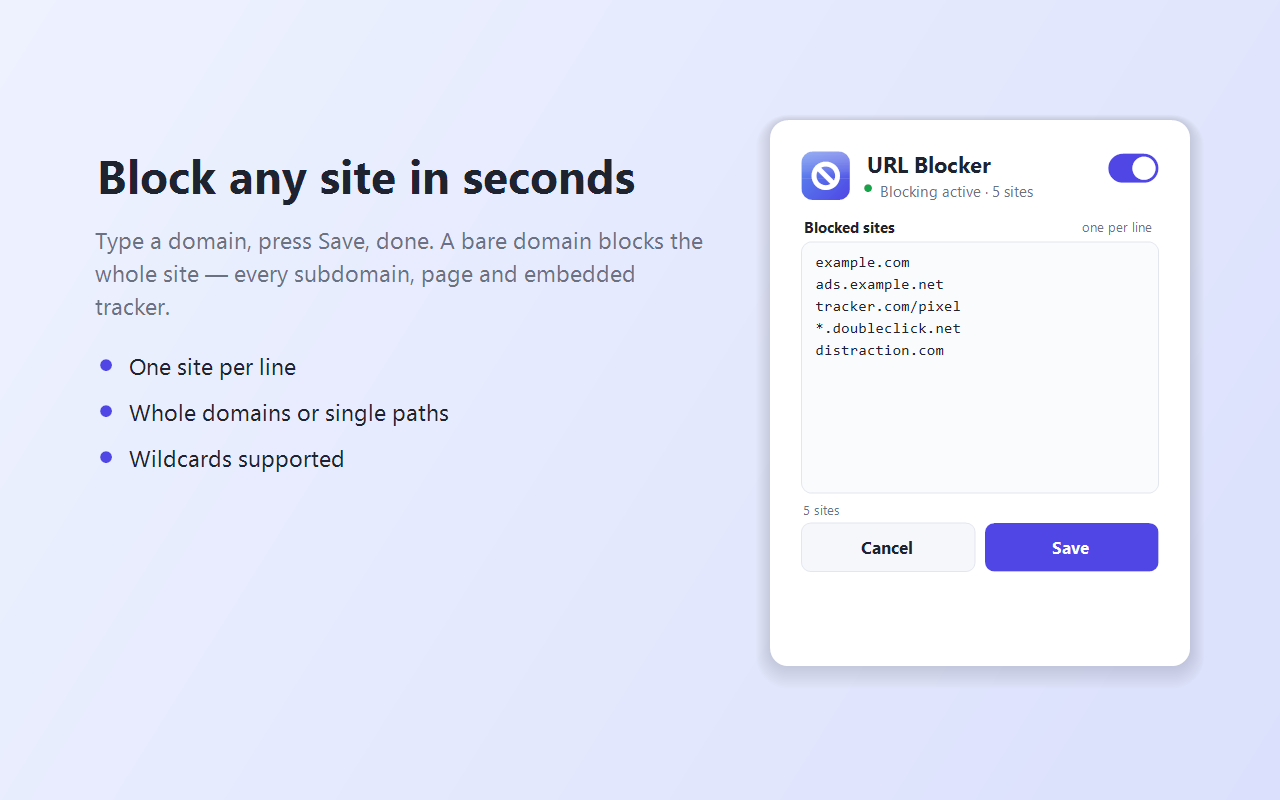
URL Blocker keeps a personal list of sites you never want to load — and blocks them the instant they try to appear. Add a whole domain like example.com to block it everywhere, or a specific address like example.com/feed to block just one part of a site.
What it does
Blocked addresses simply never load. No redirects, no flicker, no slowdown.
A bare domain blocks every subdomain and page; add a path to block only part of a site.
Stops whole pages plus the scripts, trackers, frames and images embedded inside other sites.
New tabs or windows aimed at a blocked address are prevented from opening.
One switch turns blocking on or off — handy when you need temporary access.
Power-user patterns such as *.doubleclick.net, plus # notes to organize your list.
See it in action
Private by design
Your list never leaves your device. There are no servers, no accounts, no analytics, and no tracking of any kind. URL Blocker is built on the browser’s own rules engine, so it asks for only the smallest set of permissions:
- declarativeNetRequest — lets the browser block your listed addresses. The extension never sees the contents of your traffic.
- storage — saves your blocklist on your device.
An optional tabs permission is requested only if you turn on automatic closing of blocked pop-up tabs, and can be revoked at any time. URL Blocker requests no access to the content of the pages you visit.
Read the URL Blocker privacy policy, or contact us with any questions.